
Photographer insights
Photographer insights show how your team covered an event: who was shooting when, and how bursts of photos performed. They're at the bottom of an event's analytics report.
The charts
- Photographer statistics: each photographer's totals.
- Burst statistics: how many photos were taken in quick runs.
- Photos captured per 5 minute interval: coverage across the event.
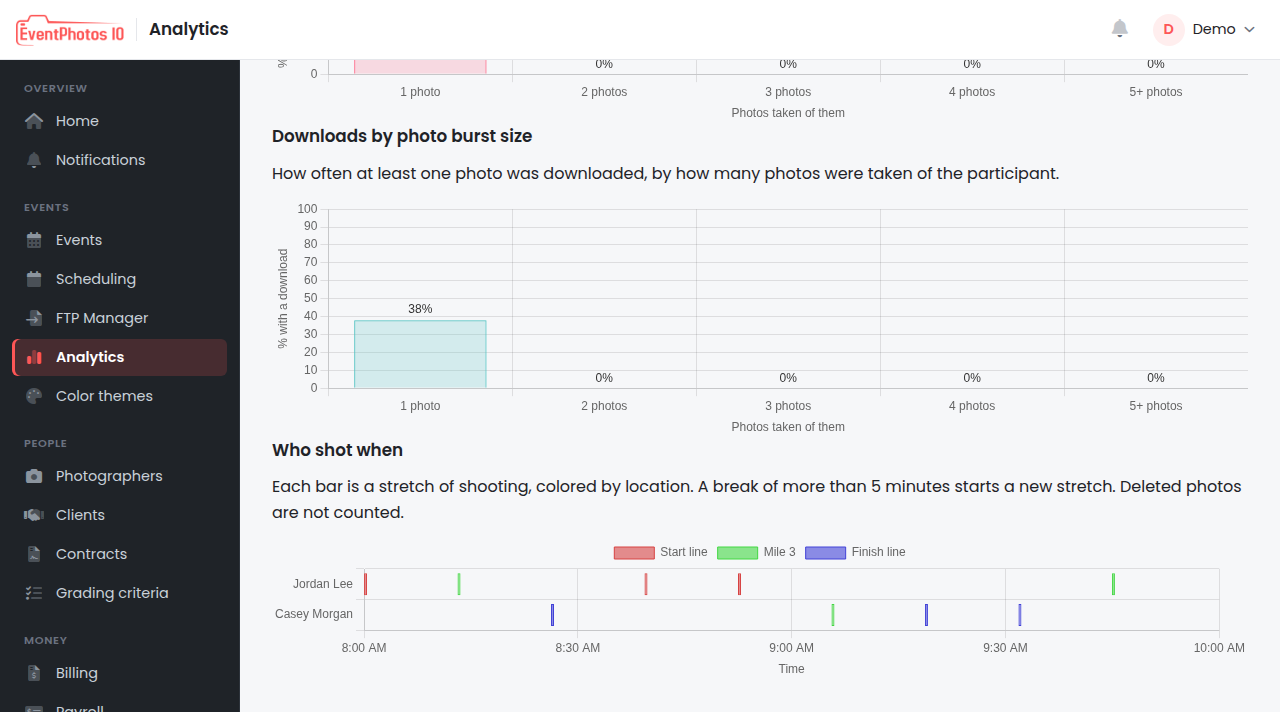
- Photo burst volume and Downloads by photo burst size: whether long bursts get more downloads than single frames.
- Who shot when: each photographer's working stretches. A gap of more than 5 minutes starts a new stretch.
Who can see them
Photographer insights only appear in your dashboard. They're not included in shareable analytics links, so clients never see your team's details.
Tip
For one photographer's detailed report on an event, open their page under Photographers and click the event.