
Shareable analytics links
Give a client or sponsor a link to an event's analytics. No login is needed.
Create a link
- Open the event's analytics report.
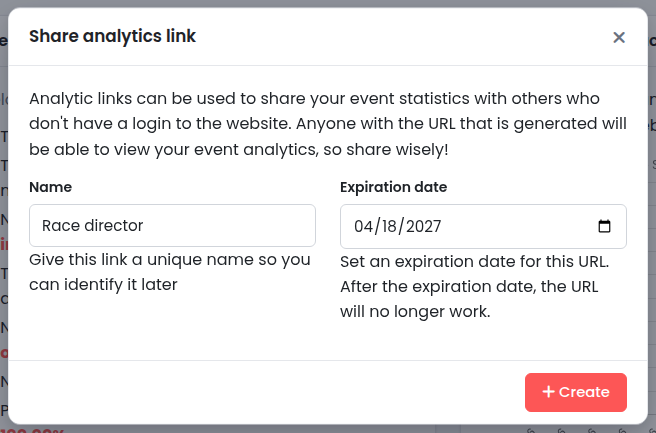
- In Shared analytics links, click Generate analytics link.
- Enter a name of 4 to 50 characters, such as "Race director".
- Choose an Expiration date after today.
- Save. Copy the link from the table.
Links created from Gallery sharing with Include analytics link turned on are valid for 5 years.
What viewers see
- The event's statistics and event insights.
- Participant estimates, if Show on analytics page is on.
- Sales figures and the Sales section, only for an event set to Paid. Not for Hybrid or free events, and never buyer emails.
- Not photographer insights or anything else from your dashboard.
Limits
- A link stops working on its expiration date.
- Links can't be deleted from the dashboard yet. Pick a sensible expiration date when you create one.